Keep the plan visible
Organize schedules, family tasks and the handovers that connect the week.
Everyday family coordination
Give family plans, handovers, tasks and expenses a place to come together. Keep a personal organizer, or choose shared records with the people authorized to see them.
Thoughtfully made by Melliti Nexus

Made for everyday life
Plans, handovers and family details.
A shared view of the everyday.
Organize schedules, family tasks and the handovers that connect the week.
Maintain child and parent profiles with the information you choose to record.
Keep expenses, family notes and small document attachments in context.
An optional shared family organizer and parent conversations use membership-checked access.
Inside MelliBridge
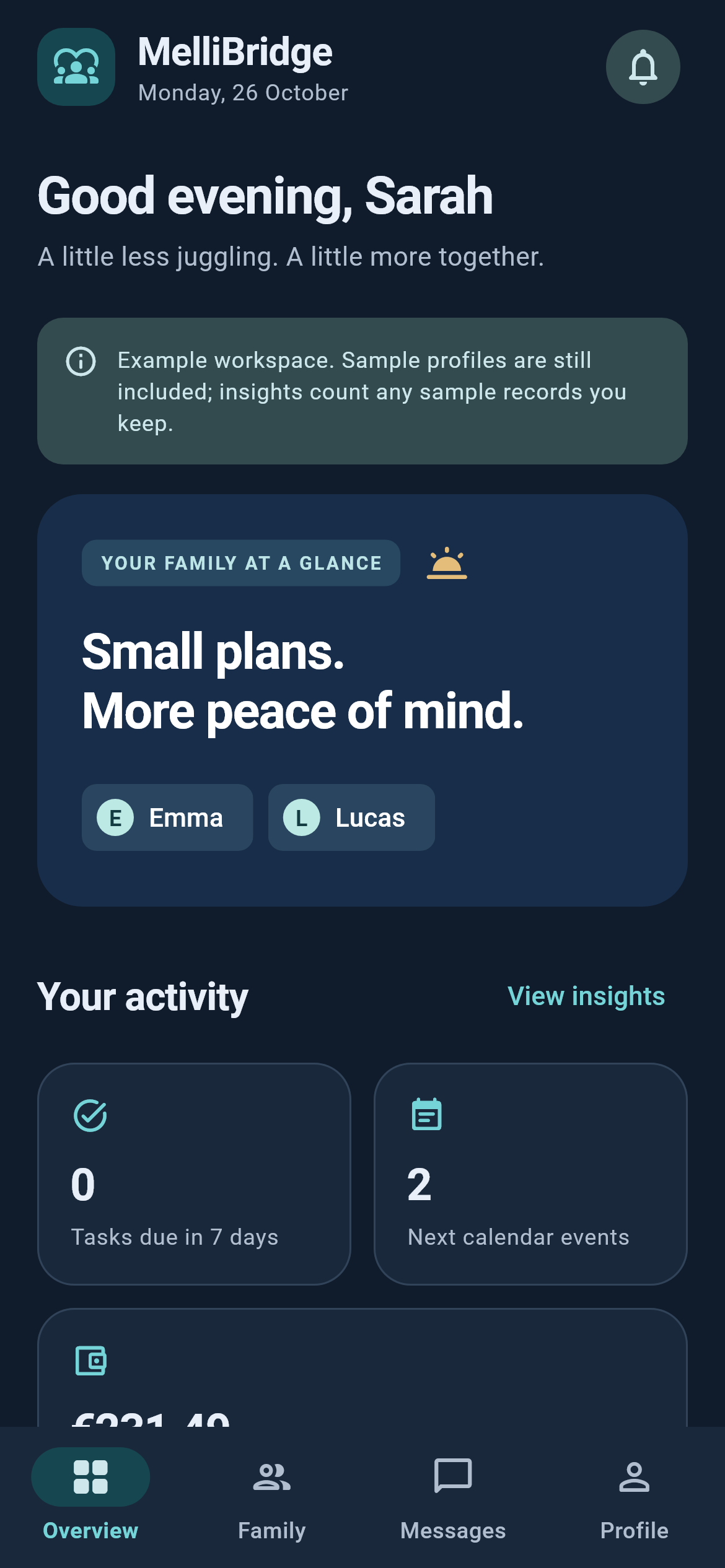
See how a family overview and child workspace bring everyday information together. The screens show fictional family examples.
Screens from testing builds. Sample information is used; feature availability is described on this page.
A simple place to start
Sign in, choose or create your family workspace, then explicitly confirm when you want to use its shared records.
Create schedules, tasks, handovers and records for the details you need.
Use shared records and conversations where the connected testing features are available.
A few useful answers
Understand the app before you make it part of your day.
Yes. Sign in or verify your email to create an account, then choose an authorized family workspace. Existing device records stay separate. Browser sign-in lasts for the open app session; shared updates run while the app is open. This browser version does not provide background push reminders.
No. The original local organizer remains separate. Importing a category into a shared family workspace requires an explicit choice.
Access is tied to the current authorized family members and parent pairing. People may retain copies they already downloaded or exported, even after access changes.
No. It is an adult family-planning app, not a legal custody service, clinical system or conflict-resolution guarantee. This page does not promise AI mediation or background push alerts.
MelliBridge is in testing. Shared features require a verified connected account and an authorized family workspace. The app is not an end-to-end encrypted medical vault.